 BeeBackX
 0x03
0x03Video won't open at all
Player errors, black screens, unrecognized files
recovery sessionready · waiting for input
An important video won't open — an interrupted download, a power cut mid-recording, a failing drive, a bad copy... the error on screen usually means your footage, your memories, are locked inside the file.
drop your file here
0% · 0 / 2560 frames
error report
BeeBackX is a desktop video repair tool built for one job: fixing videos that are corrupted, won’t open, or won’t play. Just drag the file into the window and let it take it from there.
0x03Player errors, black screens, unrecognized files
 0x07
0x07Interrupted recordings or unfinished downloads that got truncated — only the beginning plays
 0x11
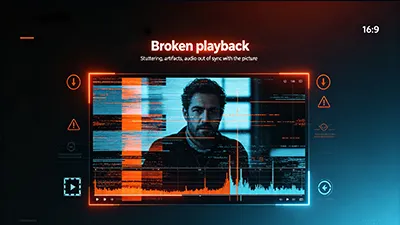
0x11Stuttering, artifacts, audio out of sync with the picture
repair plan
No setup needed — drag a video into the window, or click to browse.
One click on Start. Batch files are repaired in a queue, progress at a glance.
Review the result before saving — then export with one click as universal MP4.
tool set
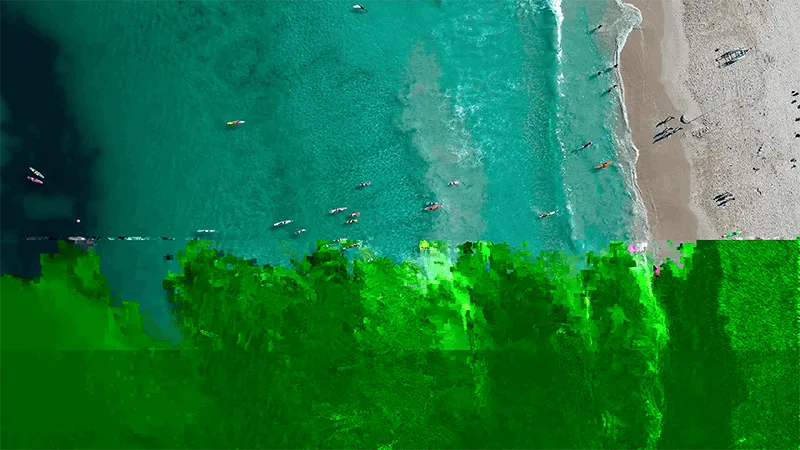

damaged input → repaired output
For videos with structural damage that won’t open or play. Supports common formats: MP4, AVI, MOV, MKV, TS, FLV and more.
For truncated or badly damaged videos — recovers as much content as possible from leftover data. You can also point to a normal video from the same device as a reference for better results.
Drop in several files at once; the queue repairs them one by one with clear progress.
Preview your repaired video, then export as universal MP4 that any player can open.
session notes
Two themes so you can work for hours without strain.
Only the tools for fixing videos — nothing to get in your way.
Repair runs entirely on your device — videos never leave your computer.
in-depth guide
A video won't open? Freezes, stutters, or plays without sound? This is the full guide to diagnosing the damage, choosing Repair or Recovery, and getting your footage back.
post archive
BeeBackX 1.1 adds AI Enhance — upscale for sharper detail and interpolate for smoother motion — plus per-file stop and progress. Here is what changed.
Camera app froze, the video finished as a black thumbnail, or the export got interrupted. Your phone footage can usually be brought back.
You got the aircraft back, but the card inside won't give up the flight footage. A crash-prone reality, and how to rescue what's on it.
repair complete
BeeBackX is the tool that brings that content back.
Download